Motherboards button
เมนบอร์ด
Graphics Card button
การ์ดจอ
Monitors button
Monitor Gamer
Mini PC button
มินิพีซี
Industrial PC button
พีซีอุตสาหกรรม
Server/WS button
เซิฟเวอร์/เวิร์คสเตชั่น
Loading

เราใช้ cookies เพื่อให้คุณได้รับความเป็นส่วนตัวและราบลื่นยิ่งขึ้น ด้วยการเข้ามาเยี่ยมชมเว็บไซต์ คุณตกลงใช้งาน cookies หากคุณไม่ตกลงในการใช้งาน cookies หรือต้องการข้อมูลอื่นเพิ่มเติม โปรดไปที่ นโยบายความเป็นส่วนตัว ในเว็บไซต์ของเรา.

คำถามที่พบบ่อย

หากคุณทราบดีเกียวกับหมวดหมู่ของคำถาม คุณอาจจะเลือกหนึ่งหมวดหมู่ด้านล่างสำหรับคำถามที่พบบ่อย หมวดหมู่.

ผล:
Q (544): My system has hardware monitoring software installed, such as HWiNFO64. My computer fails to boot after restarting. What should I do?(5/14/2025)
A:On the AMD AM5 platform, restarting the system while hardware monitoring software is running may cause a reboot to fail.
If your system can boot normally but encounters issues during a restart, please close all hardware monitoring software and try restarting the system again.
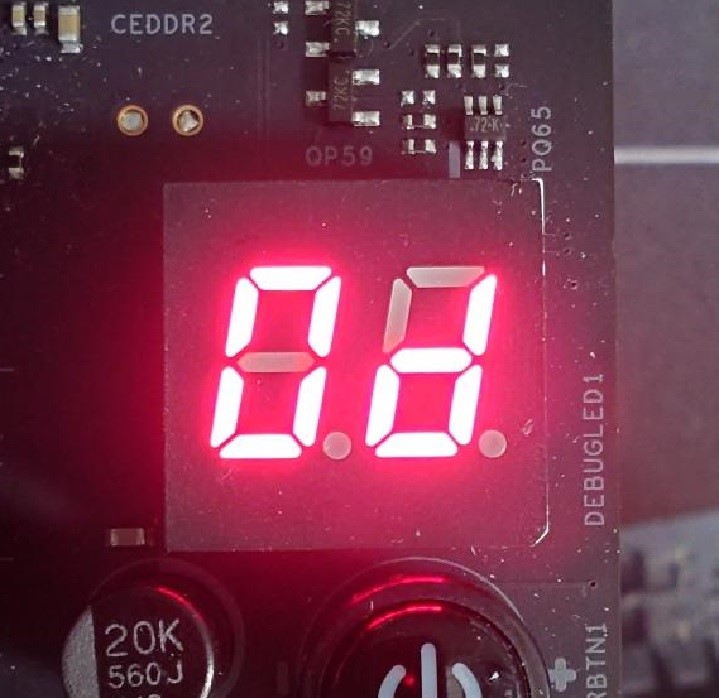
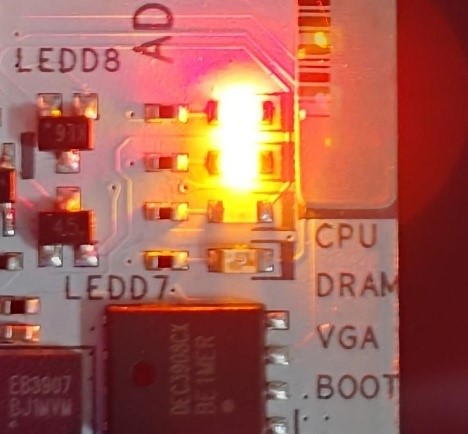
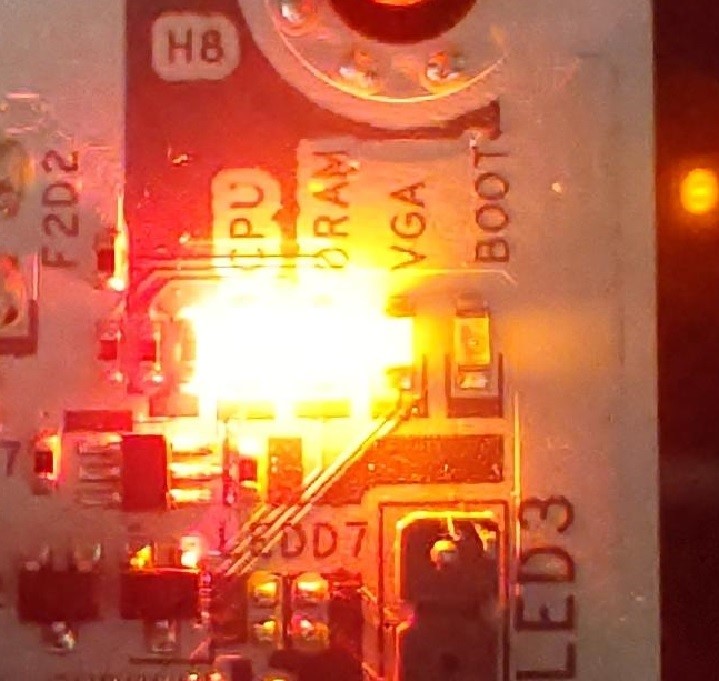
When the system fails to reboot properly, the motherboard's "Dr. Debug” display and "Post Status Checker (PSC)” may show the following statuses:

X870E Nova WiFi

X870 Pro RS

X870 Steel Legend WiFi

Dr. Debug display "0d”.

The CPU and DRAM LEDs will remain solidly lit.

The CPU LED will remain solidly lit, and the DRAM LED will blink.

Dr. Debug display The CPU and DRAM LEDs will remain solidly lit.The CPU LED will remain solidly lit, and the DRAM LED will blink.


#AM5 #reboot #Dr. #Debug #Post #Status #Checker #PSC