Motherboards button
Serie Placas Base
Graphics Card button
Serie Placas de video
Monitors button
Monitor De Juego
Power Supply button
Power Supply
Mini PC button
Serie Mini PC
Industrial PC button
Serie PC Industrial
Server/WS button
Serie Servidor / Estación de trabajo
Loading

Usamos cookies para ofrecerle una experiencia más personalizada y fluida.
Al visitar este sitio web, acepta nuestro uso de cookies. Si prefiere no aceptar cookies o necesita más información, visite nuestra Política de privacidad.
FAQ - Preguntas más frecuentes

Si está completamente seguro de la categoría de su pregunta, puede elegir más abajo una de las categorías para preguntas más frecuentes. Catálogo de Preguntas más frecuentes:

Resultados:
P (496): How can I clear the CMOS on my Intel 500 series motherboard?(2/1/2021)
R:Please follow the steps below.
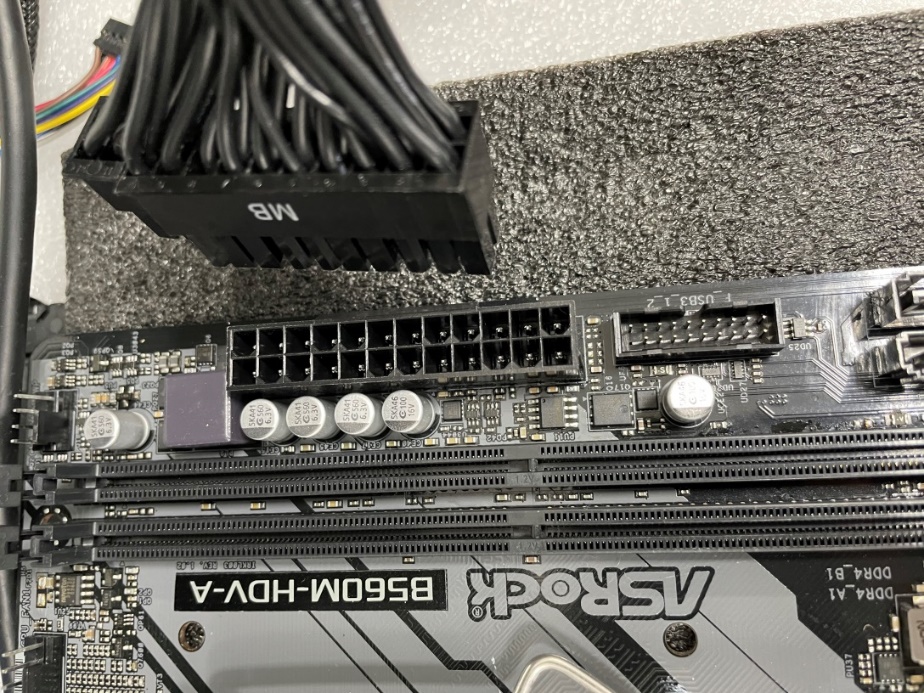
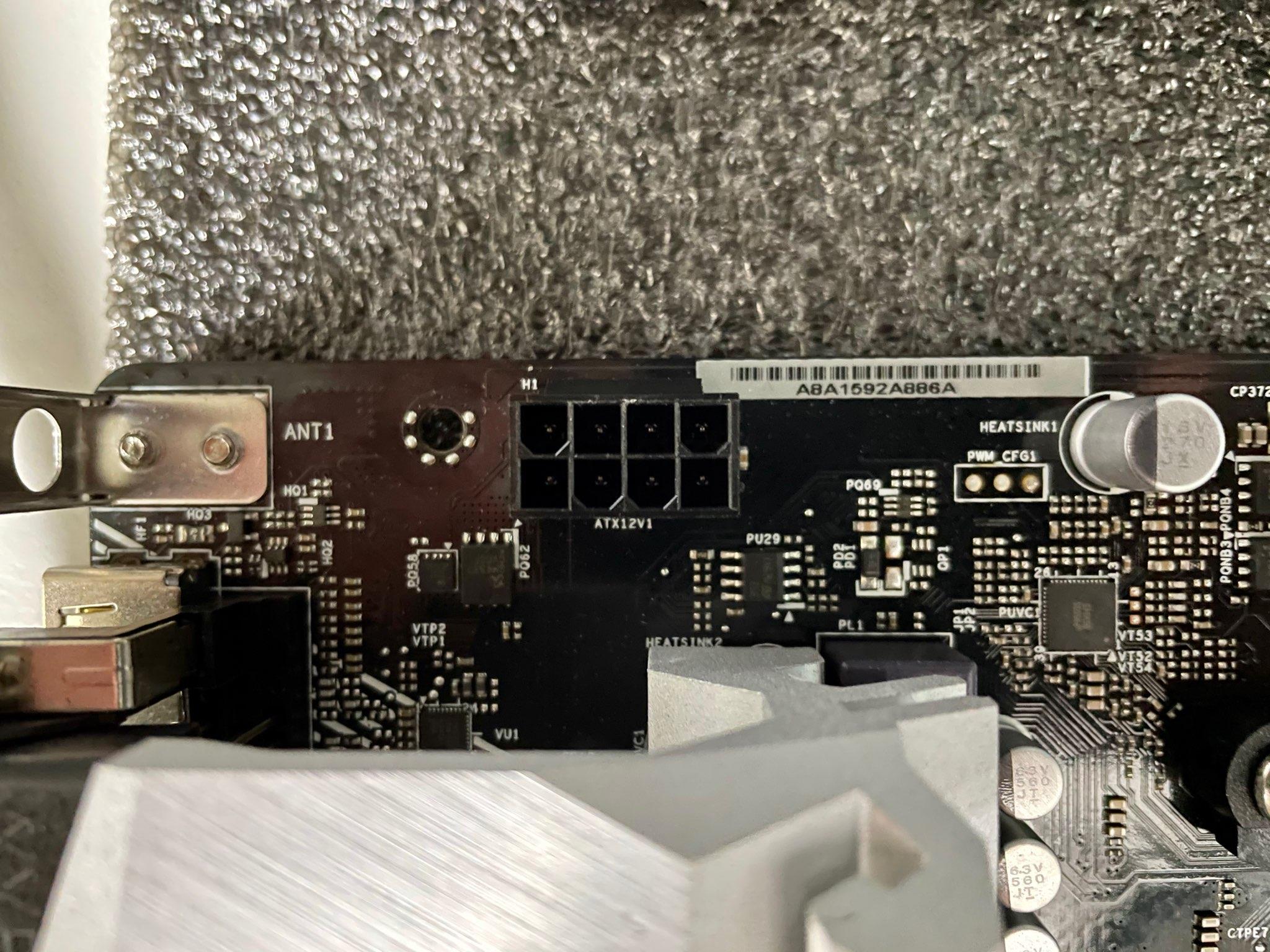
Step 1: Disconnect the PSU from the motherboard.

1st Disconnect PSU fig1
1st Disconnect PSU fig2

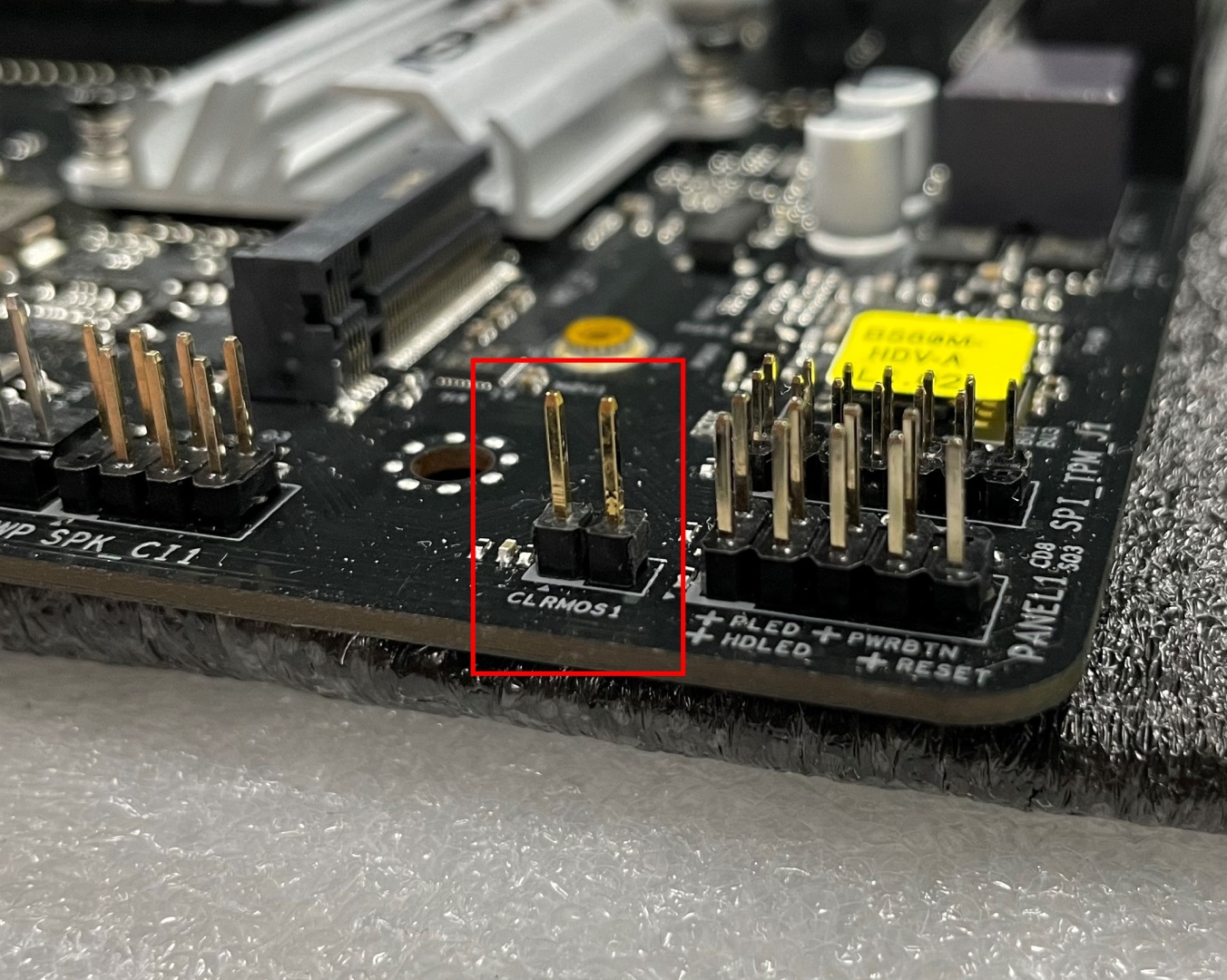
Step 2: Find the CLRMOS header by referring to the motherboard user manual.
Below picture shows what the header should look like.

2nd CLRMOS

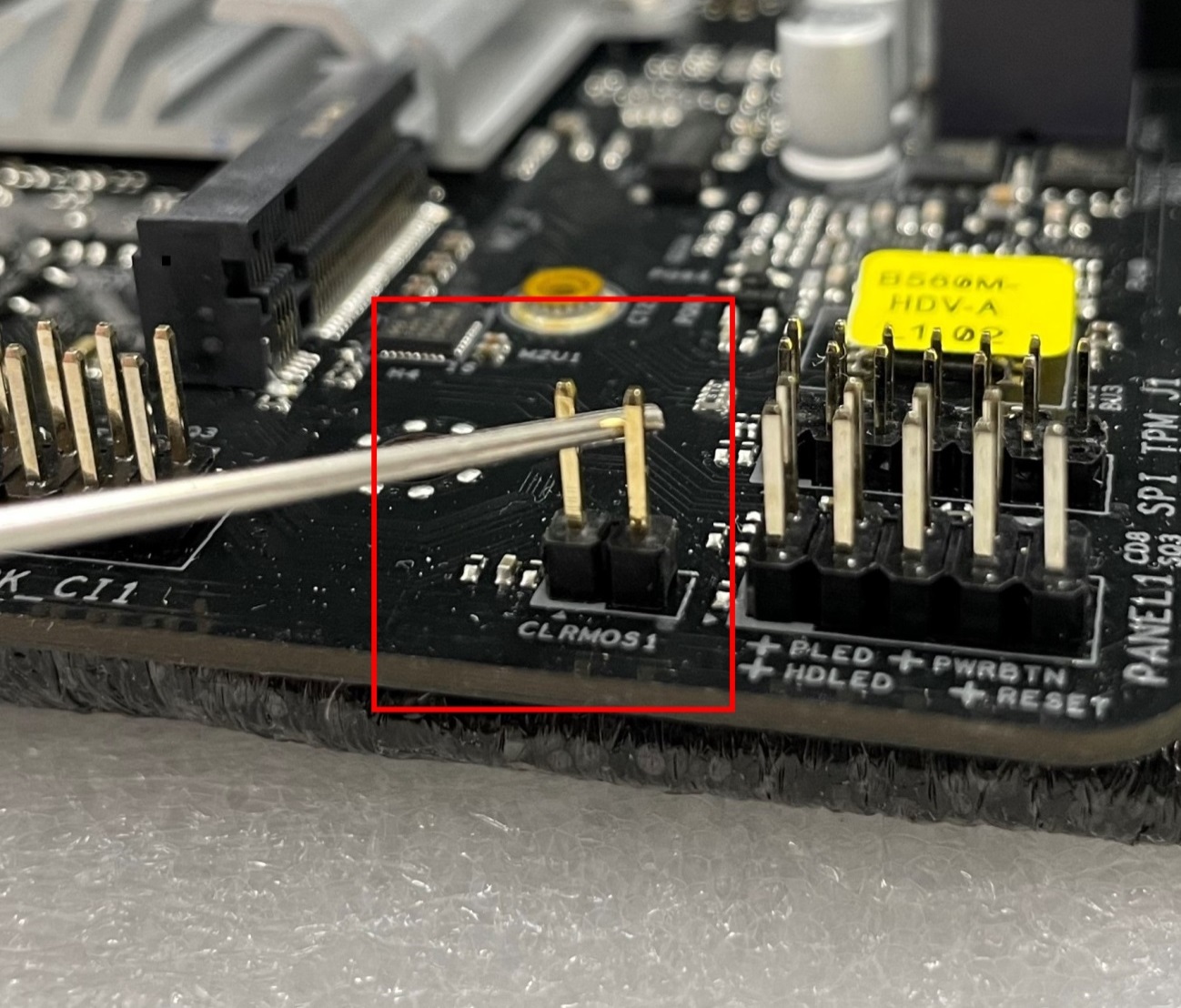
Step 3: Use a conductive metal object to short the CLRMOS header for at least 30 seconds. You can use for example a paperclip, key, coin or a screwdriver.

3rd Short the CLRMOS

Step 4: Remove the metal object from the CLRMOS header and then wait at least 5 more minutes.

Step 5: After 5 minutes please reconnect the PSU and power on the system.