Motherboards button
Mainboard
Graphics Card button
Grafikkarte
Monitors button
Gaming-Monitor
Power Supply button
Power Supply
Mini PC button
Mini-PC
Industrial PC button
Industrie-PC
Server/WS button
Server/Workstation
Loading

Wir verwenden Cookies, um Ihnen ein individuelles und reibungsloses Erlebnis zu bieten.
Wenn Sie diese Website besuchen, stimmen Sie unserer Verwendung von Cookies zu. Wenn Sie es vorziehen, keine Cookies zu akzeptieren oder weitere Informationen benötigen, lesen Sie bitte unsere Datenschutzerklärung.

FAQ

Fallls Sie wissen, in welche Kategorie Ihre Frage gehört, können Sie hier die Kategorie der häufig gestellten Fragen auswählen. Katalog:

Ergebnisse:
Q (Q&A-184|544): My system has hardware monitoring software installed, such as HWiNFO64. My computer fails to boot after restarting. What should I do?(5/14/2025)
A:On the AMD AM5 platform, restarting the system while hardware monitoring software is running may cause a reboot to fail.
If your system can boot normally but encounters issues during a restart, please close all hardware monitoring software and try restarting the system again.
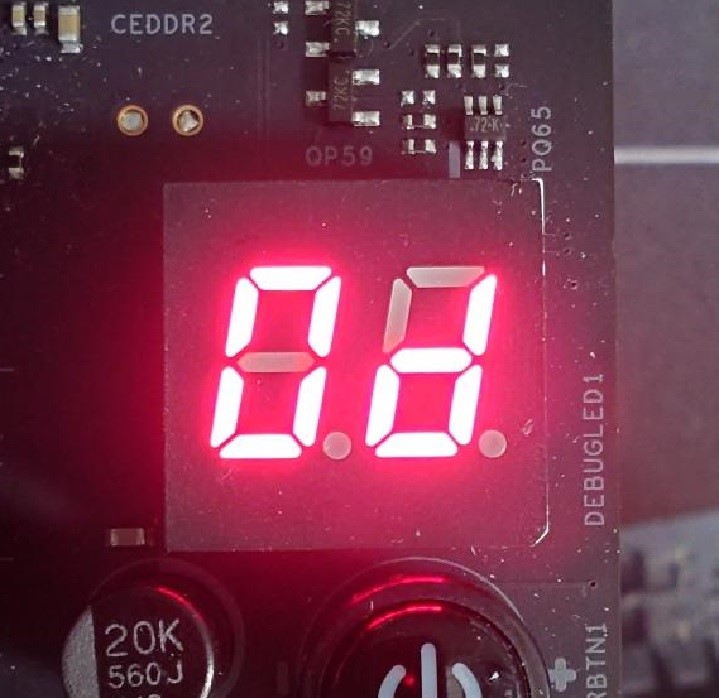
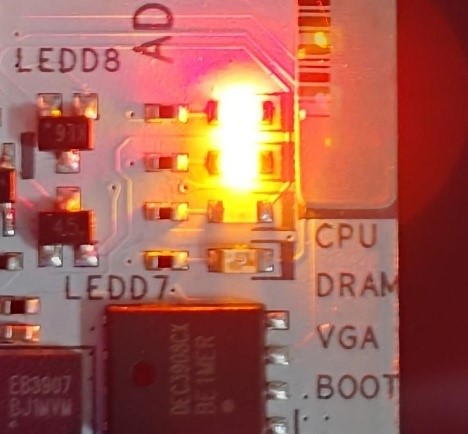
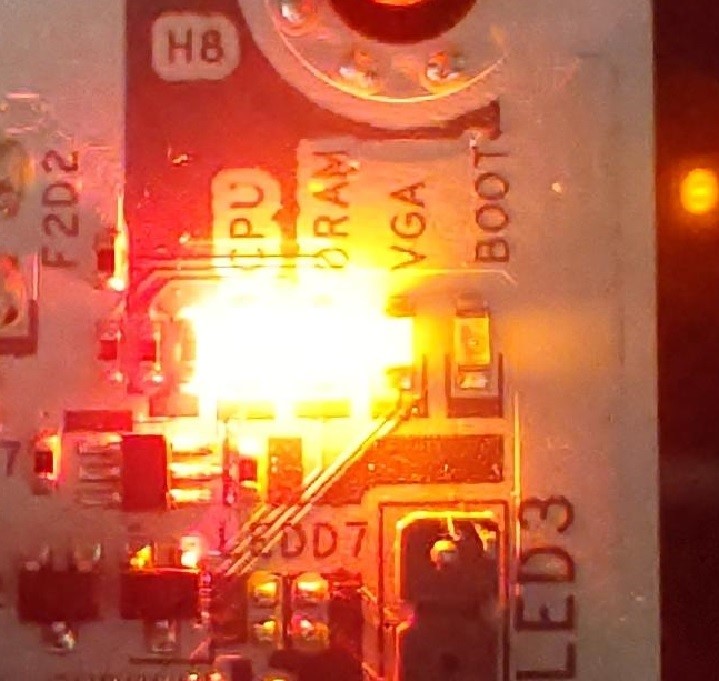
When the system fails to reboot properly, the motherboard's "Dr. Debug” display and "Post Status Checker (PSC)” may show the following statuses:

X870E Nova WiFi

X870 Pro RS

X870 Steel Legend WiFi

Dr. Debug display "0d”.

The CPU and DRAM LEDs will remain solidly lit.

The CPU LED will remain solidly lit, and the DRAM LED will blink.

Dr. Debug display The CPU and DRAM LEDs will remain solidly lit.The CPU LED will remain solidly lit, and the DRAM LED will blink.


#AM5 #reboot #Dr. #Debug #Post #Status #Checker #PSC