Motherboards button
Mainboard
Graphics Card button
Grafikkarte
Monitors button
Gaming-Monitor
Power Supply button
Power Supply
Mini PC button
Mini-PC
AIO Liquid Coolers button
AIO Liquid Coolers
Industrial PC button
Industrie-PC
Server/WS button
Server/Workstation
Loading

Wir verwenden Cookies, um Ihnen ein individuelles und reibungsloses Erlebnis zu bieten.
Wenn Sie diese Website besuchen, stimmen Sie unserer Verwendung von Cookies zu. Wenn Sie es vorziehen, keine Cookies zu akzeptieren oder weitere Informationen benötigen, lesen Sie bitte unsere Datenschutzerklärung.
FAQ

Fallls Sie wissen, in welche Kategorie Ihre Frage gehört, können Sie hier die Kategorie der häufig gestellten Fragen auswählen. Katalog:

Ergebnisse:
Q (Q&A-166|510): How to check the RAID configuration via the Intel RST application under Windows 11?(12/15/2021)
A:Please refer to the following steps to check the RAID configuration.

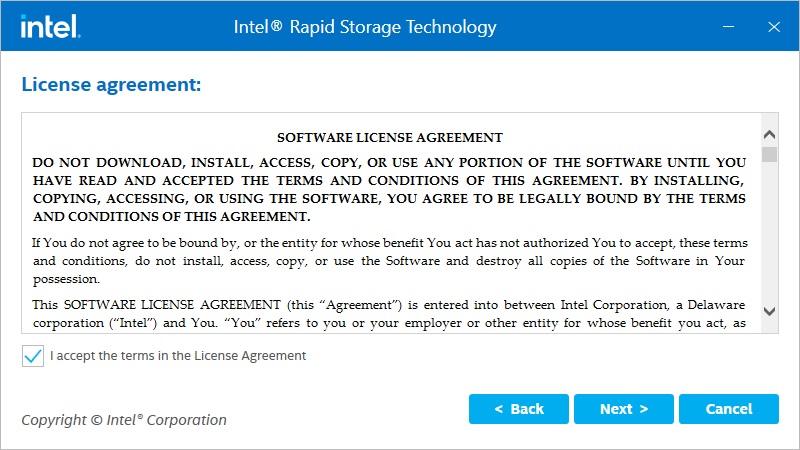
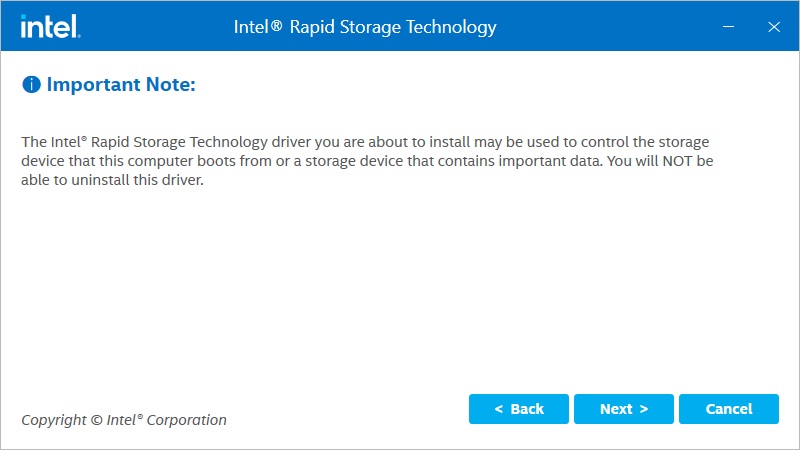
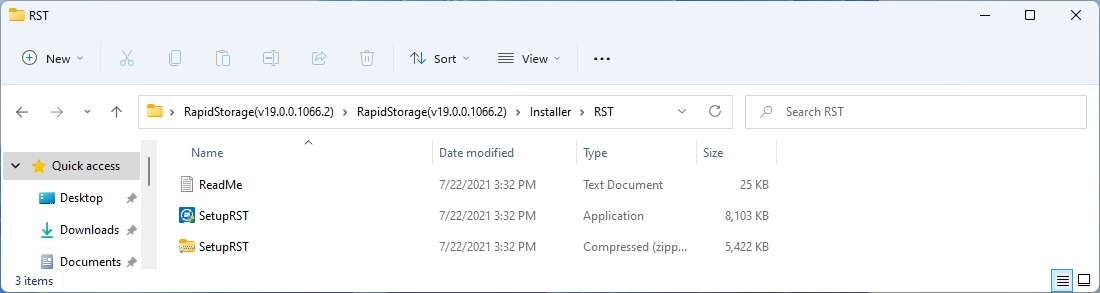
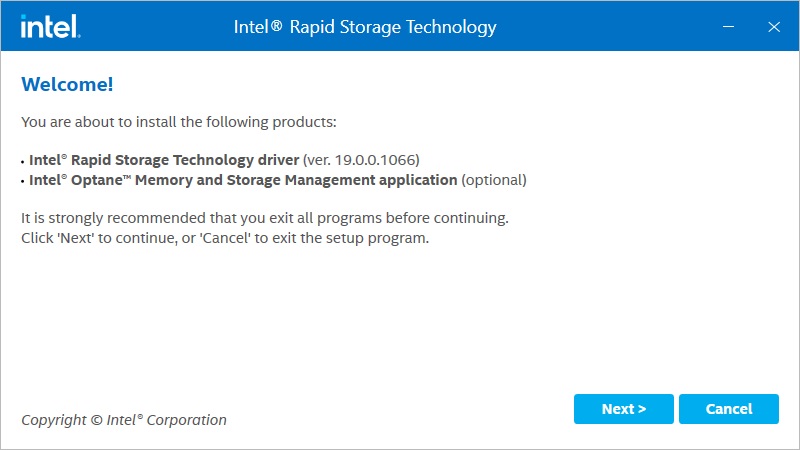
Step 1: Obtain the Intel(R) RST driver installation package and run the executable (SetupRST.exe).
*RST driver can be obtained via the download section of the product page on the ASRock website.
*Default settings and name of the driver may vary and is subject to change without notice.

How to check the RAID configuration via the Intel RST application under Windows 11?

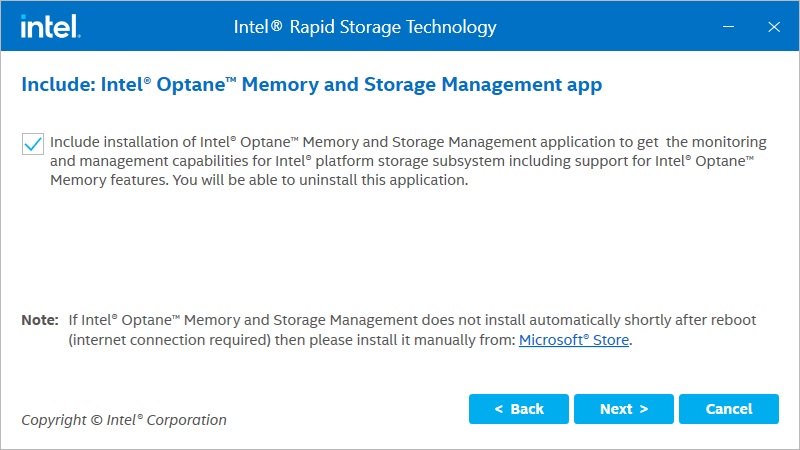
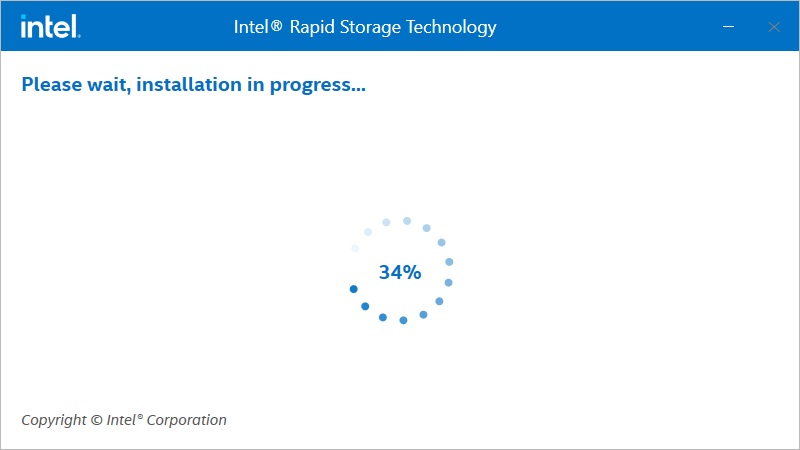
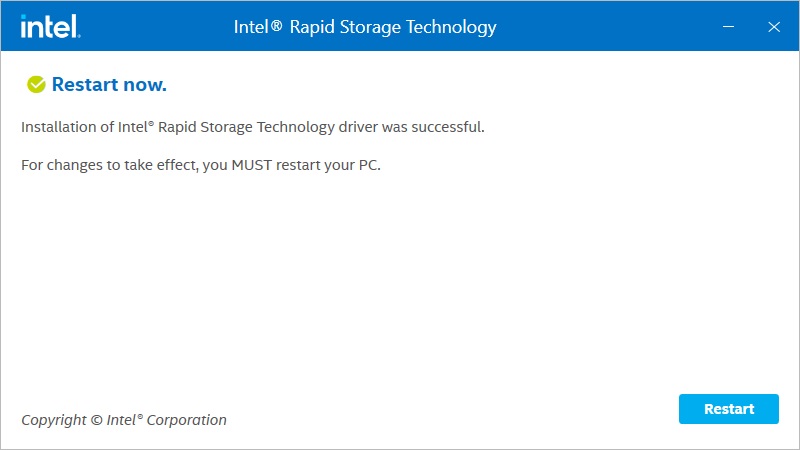
Step 2: Install using the default setting and reboot the computer.

How to check the RAID configuration via the Intel RST application under Windows 11?

How to check the RAID configuration via the Intel RST application under Windows 11?

How to check the RAID configuration via the Intel RST application under Windows 11?

How to check the RAID configuration via the Intel RST application under Windows 11?

How to check the RAID configuration via the Intel RST application under Windows 11?

How to check the RAID configuration via the Intel RST application under Windows 11?

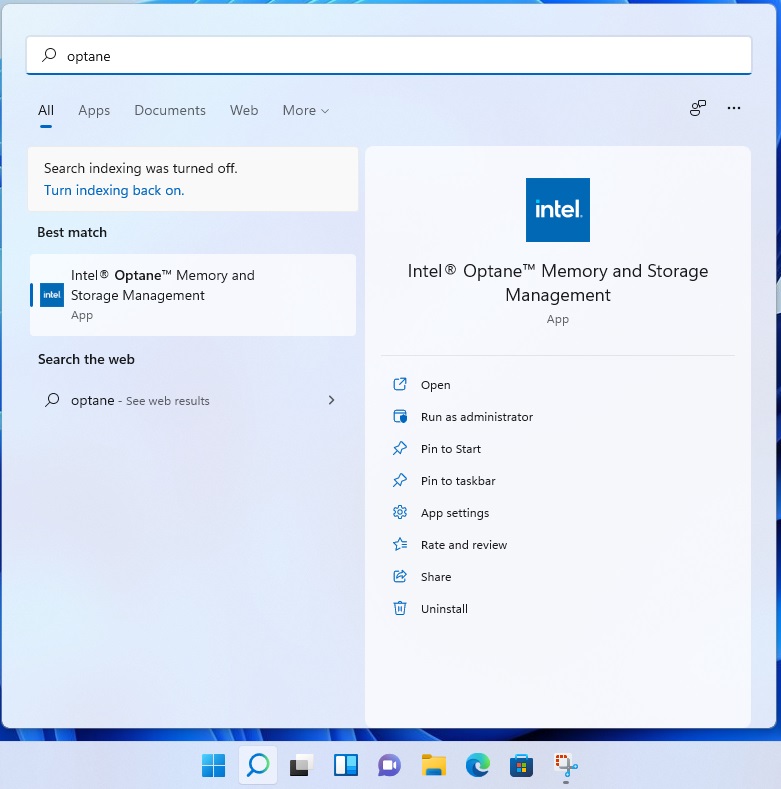
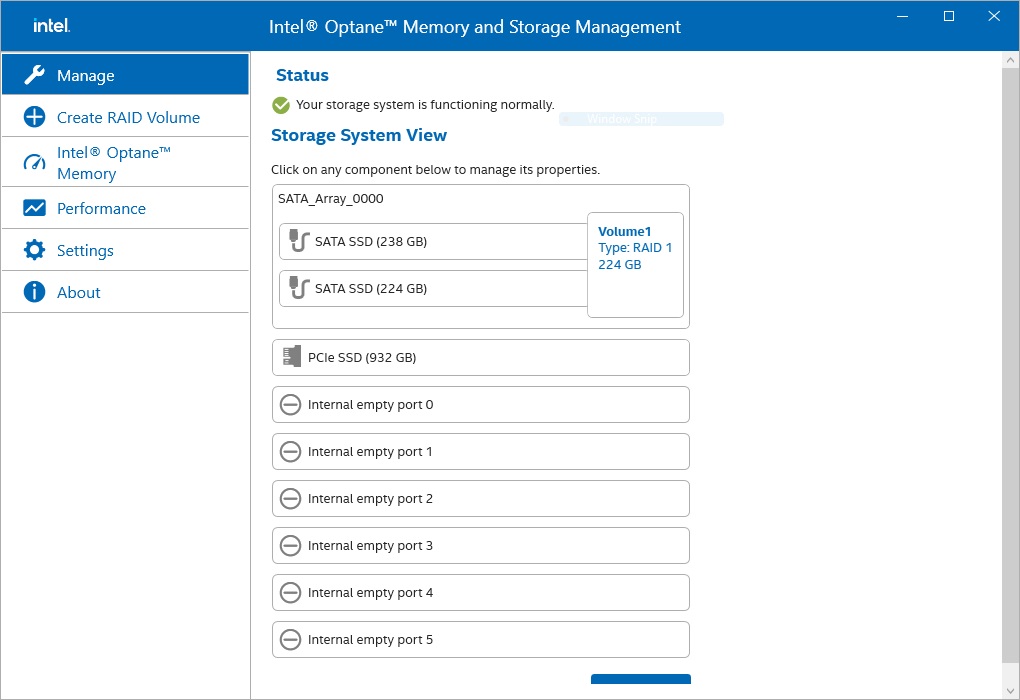
Step 3: From Windows desktop, find and launch the Intel® Optane(TM) Memory and Storage Management application.

How to check the RAID configuration via the Intel RST application under Windows 11?

How to check the RAID configuration via the Intel RST application under Windows 11?