01
Cost Scales With Every Student
Per-token API billing turns a full class into an unpredictable monthly invoice — and the bill arrives again next semester, for the same syllabus.

ASRock AI Suite turns a single workstation — Windows 11 or Ubuntu, NVIDIA CUDA or AMD ROCm — into a complete AI teaching platform: courses, labs, apps, a local assistant, and grading. Fully offline: unplug the network cable and class goes on.
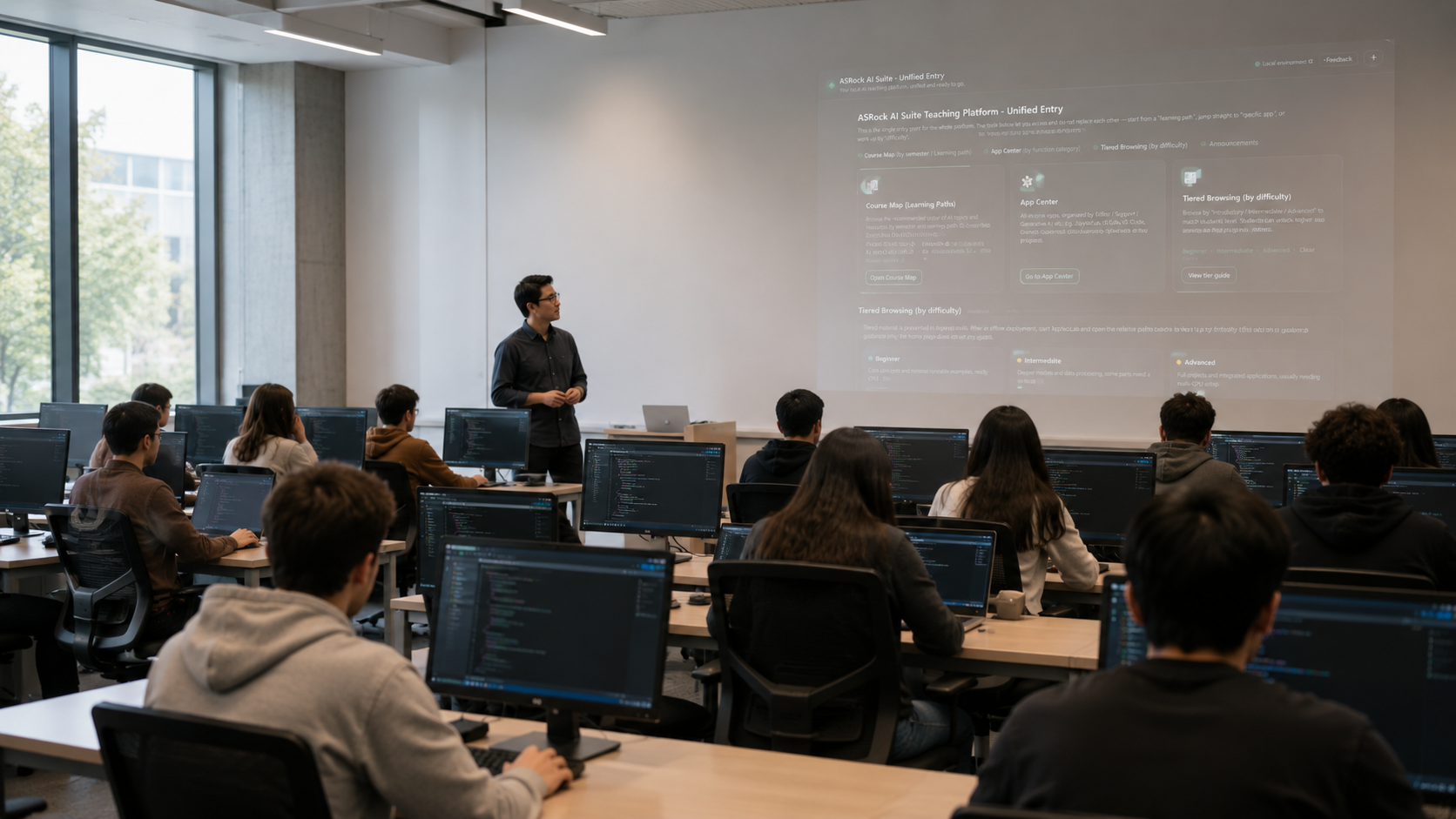
Universities want to teach modern AI, but the practical route usually runs through someone else's servers. That means recurring bills, student work leaving campus, and a semester that starts with installation problems instead of teaching.
Per-token API billing turns a full class into an unpredictable monthly invoice — and the bill arrives again next semester, for the same syllabus.
Assignments, research data, and exam material get uploaded to third-party services. The institution loses control over where its own teaching content lives.
Python, CUDA or ROCm, PyTorch, and JupyterLab drift out of sync across machines. The first weeks go to troubleshooting setups rather than to the curriculum.
How do I stand up an AI course by next semester?
A golden image and a restore card bring the workstation up. The environment manager checks Python, CUDA or ROCm, PyTorch, and JupyterLab on a green-light dashboard, with an offline wheelhouse to fill any gaps.
→Nine semester-length courses are already written, each structured as a full semester and mapped to ACM CS2023 — from AI foundations to computer vision and generative AI.
→Students open 59 GUI teaching apps and 214 SDK example notebooks from the same workspace, and ask the local AI assistant, backed by the RAG knowledge base, when they get stuck.
→The quiz assistant drafts questions from your own lecture notes and grades against your reference answers; an nbgrader pipeline releases, collects, autogrades, and exports grades to CSV.
Course material, hands-on apps, an assistant, and assessment tools — all installed locally, all usable on day one.
Point-and-click GUI apps across vision, voice, generative AI, and data science — object detection, SAM2 segmentation, OCR, defect detection, Whisper transcription, live captioning, speech synthesis, AutoML, forecasting, anomaly detection.
AI Introduction, Operating Systems, Computer Vision, Deep Learning, Algorithms, Generative AI, and Data Structures with GPU acceleration — 112 course notebooks in a full-semester structure: objectives, demo, exercise, hidden tests.
58 beginner, 110 intermediate, and 46 advanced JupyterLab notebooks, mounted in the same teaching workspace as the courses so students move between the two without switching tools.
A chat assistant served entirely on the workstation — gpt-oss-20b under Apache-2.0, run by llama.cpp behind an OpenAI-compatible API, measured at around 282 tokens per second on the reference workstation.
Drop in course documents and the suite builds a local vector index — multilingual-e5-large embeddings with an embedded Qdrant store — then answers questions with the source passage cited.
Paste lecture notes to generate multiple-choice, true/false, and short-answer questions at a chosen difficulty, then grade submissions against your reference answers with written feedback.
Select the platform based on class size, model size, and how many students run GPU workloads at the same time.
A single GPU workstation runs the entire suite — courses, apps, local assistant, and RAG knowledge base — for one course or one research group.
EDGE OR SINGLE-GPUOne golden image, written from a restore card to every seat in the room. The deployment flow is validated at classroom scale, so a full room comes up the same way a single machine does.
AI WORKSTATIONMulti-GPU or server infrastructure for several rooms and departments. Each machine stands alone today; extending a campus network into a shared AI teaching cloud is on the roadmap.
MULTI-GPU / SERVERTell us which courses you need to run and how many seats you need to equip. AI Center starts from the curriculum you already teach and works back to the workstation that runs it.