How Much Resolution Do You Really Need?
1. Higher Resolution Is Not Always the Better Choice
When choosing a monitor, resolution is often treated as a simple numbers game: the more pixels, the better the display. In practice, however, the right resolution depends on several factors, including screen size, viewing distance, graphics performance, and how the monitor will be used. A higher resolution can deliver sharper images and finer details, but it also places greater demands on the system. The goal is not simply to choose the highest specification available, but to find the resolution that makes the most sense for your setup.
2. Screen Size Changes How Resolution Feels
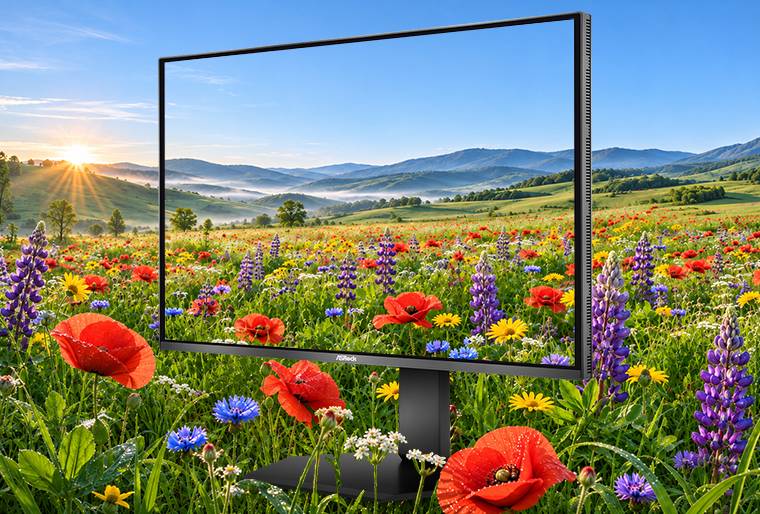
Resolution should always be considered together with screen size. On a 24-inch monitor, Full HD can still provide sufficient clarity for everyday use and competitive gaming. At 27 inches, QHD offers a noticeable improvement in pixel density, making text, interface elements, and game environments appear more refined without placing excessive pressure on the graphics card. Moving up to 4K brings another significant increase in detail, particularly for high-resolution content, HDR visuals, open-world games, and creative applications. For users seeking a premium 27-inch 4K OLED experience, the ASRock TCO27USA combines exceptional image clarity with rich contrast and immersive visual performance.
3. Different Games Prioritize Different Display Qualities
The ideal resolution also depends on the type of games you play. Cinematic AAA titles, simulation games, and expansive open-world adventures benefit from higher resolutions, where detailed environments, textures, lighting, and distant objects become easier to appreciate. Competitive games, however, often prioritize responsiveness and motion clarity over maximum image detail. In fast-paced shooters or racing games, lowering the resolution can help the system produce higher frame rates and allow a high-refresh-rate monitor to perform at its full potential. Resolution and refresh rate are therefore not competing specifications; they serve different gaming priorities.
4. Every Pixel Comes With a Performance Cost
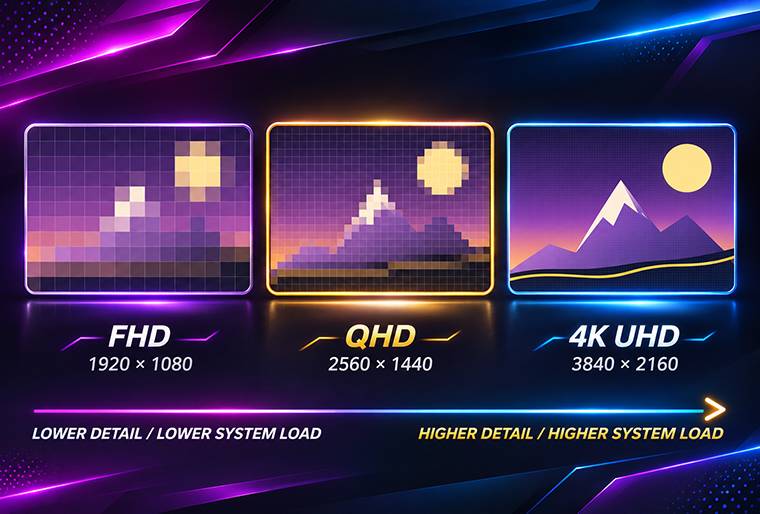
Increasing the resolution means the graphics card must render more pixels for every frame. QHD contains approximately 1.8 times as many pixels as Full HD, while 4K contains four times as many. This difference can have a major impact on frame rates, especially in graphically demanding games. A 4K monitor may deliver outstanding visual detail, but the experience will only feel complete when the system can maintain stable performance at that resolution. Before upgrading, it is worth considering whether your hardware can support the desired combination of resolution, visual settings, and refresh rate.
5. Dual Mode Removes the Need to Choose Just One
Resolution selection is ultimately about allocating system performance between visual detail and speed. Full HD remains practical for entry-level systems and high-frame-rate gaming, QHD provides a strong balance between clarity and performance, and 4K is best suited to users who prioritize image quality, HDR, and premium visual experiences. For players whose needs shift between cinematic immersion and competitive speed, a dual-mode display offers a more effective solution. The ASRock TCO27QXB supports QHD at 540Hz and HD at 720Hz, allowing users to prioritize clarity or speed according to the game. Instead of pursuing the highest resolution in every situation, the better choice is the one that allows both the hardware and the content to make meaningful use of every pixel.